Prompt Vault
The exact prompts behind viral AI videos
Every breakdown below is reverse-engineered from a real viral video: the scene-by-scene image prompts, animation prompts, camera and audio direction, and the model that made it. Copy them free — or remix the whole video in one click.
Open the Prompt Vault app99 viral video breakdowns
Free to read, copy and paste. Prompts are written for the model that best matches each scene — Seedance 2.5, Veo, Kling and more. Hover any card and hit Recreate.
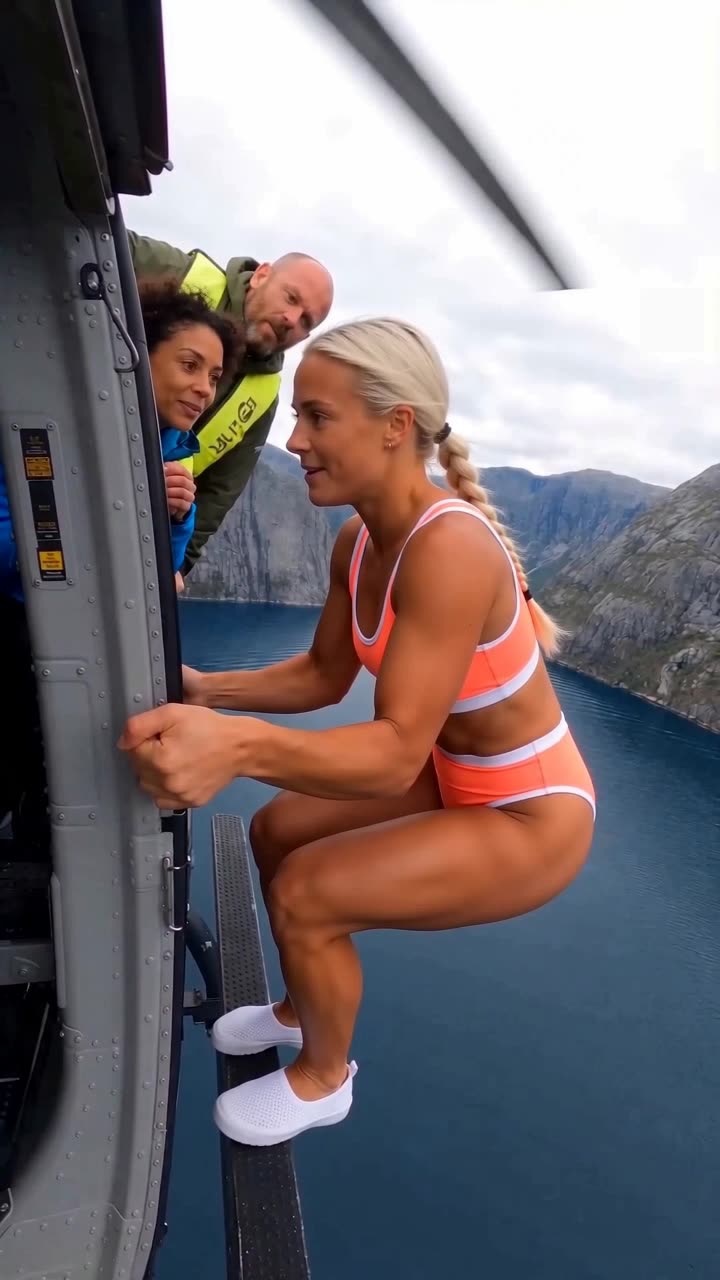 RecreateHelicopterAI Characters
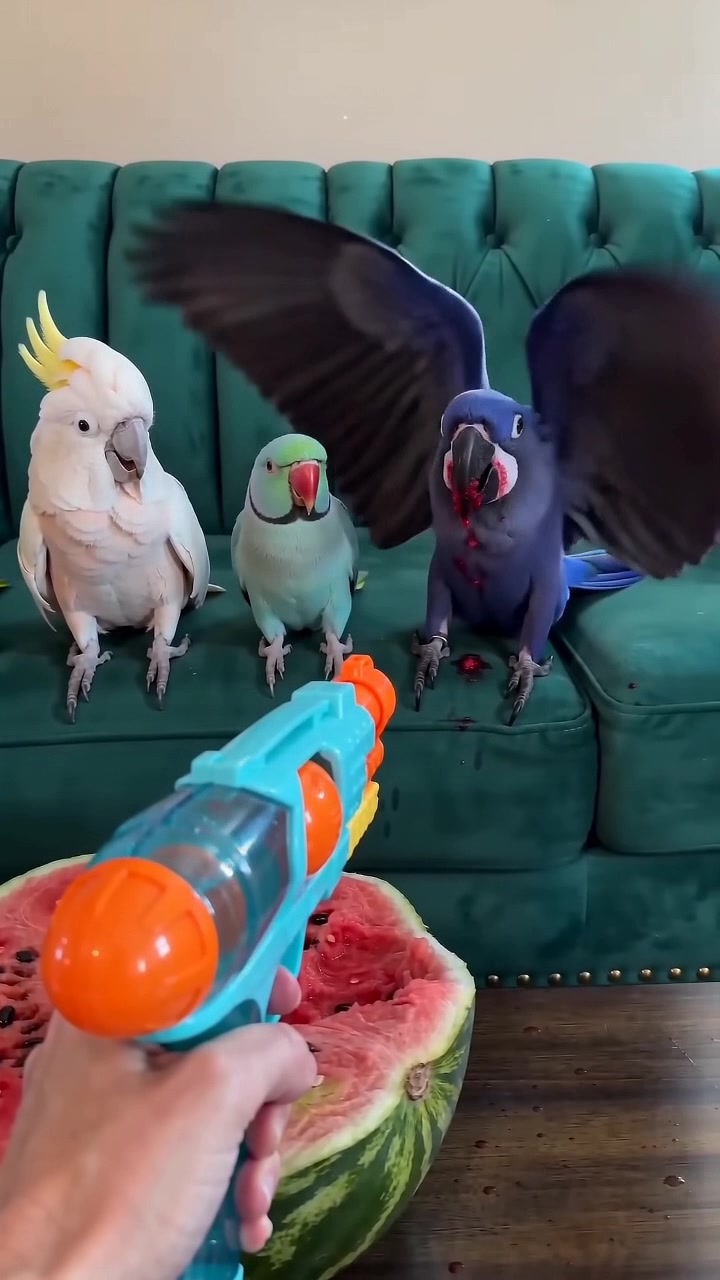 RecreateWatermelon Parrot Interrogation Toy Blaster RemixVideo Remix
 RecreateStadium Beer Slap – Normal Speed RemixAI Characters
 RecreateThe Divorce DinnerAI Characters
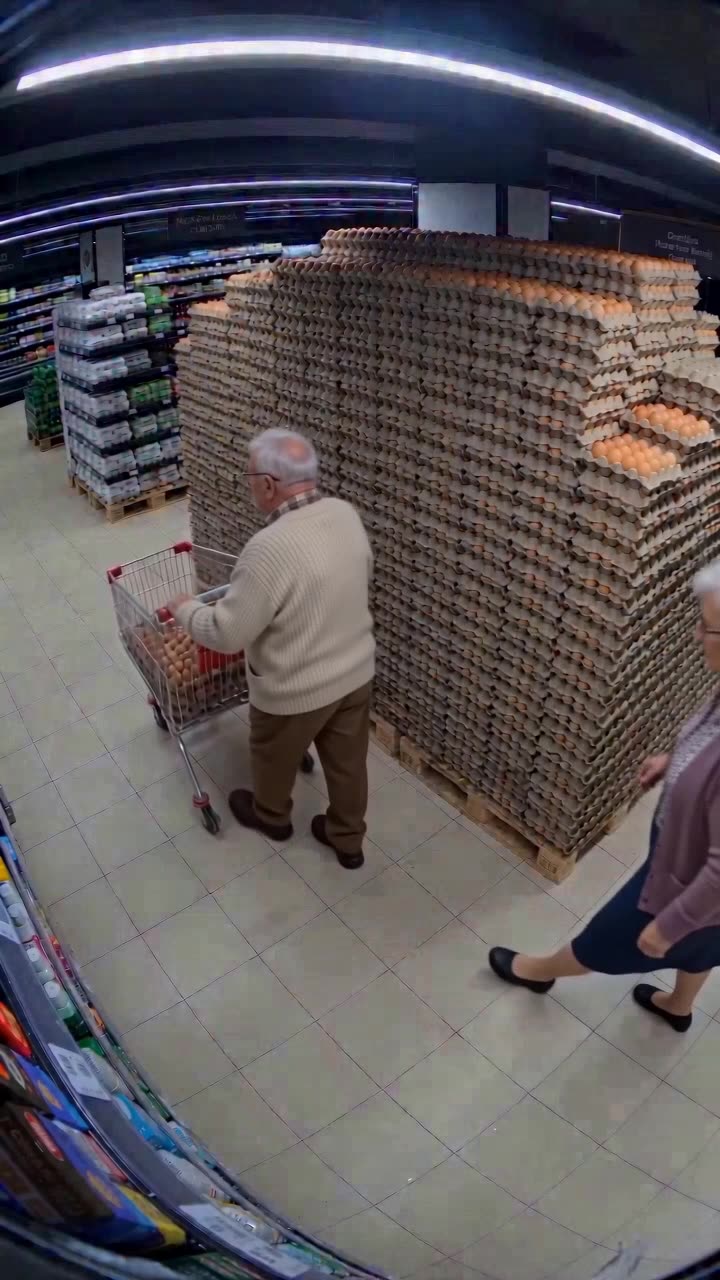 RecreateEggsAI Characters
 RecreateHaircut RegretAI Characters
 RecreateThe Other WomanAI Characters
 RecreateRed Cybertruck Monster Wheel Street Jump RemixVideo Remix
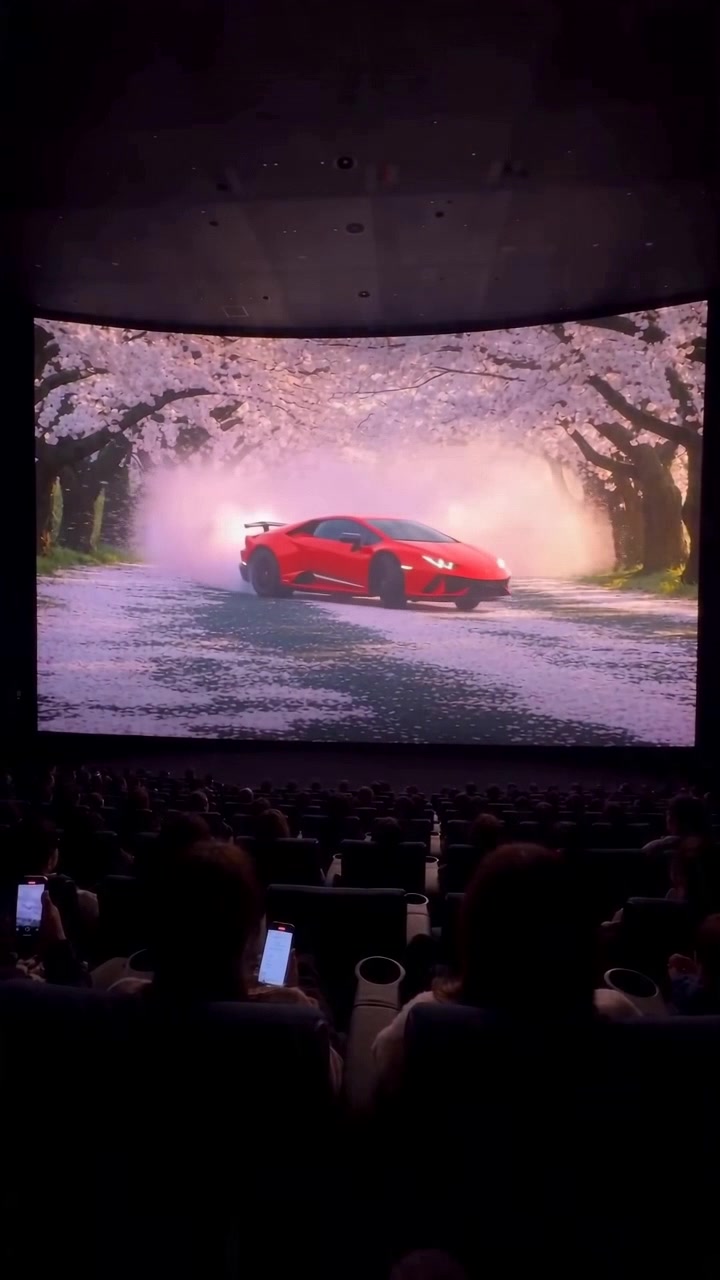 RecreateRed Lamborghini 4DX No Text RemixVideo Remix
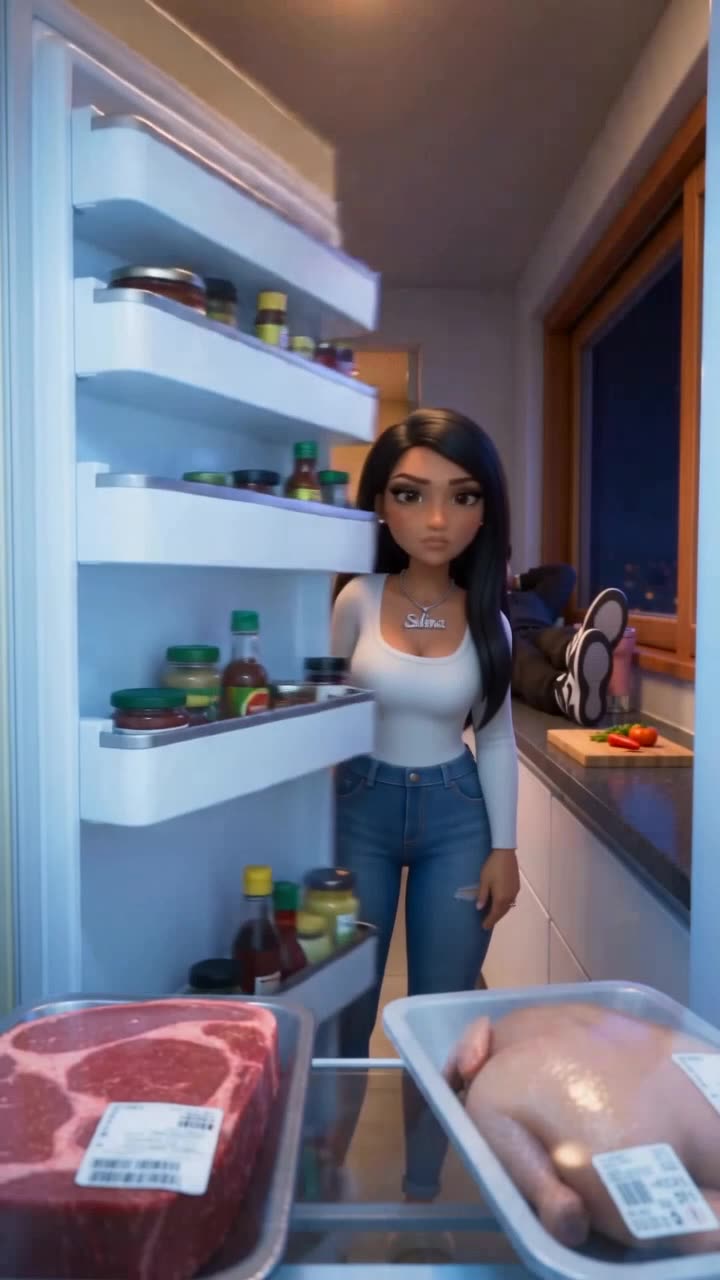 RecreateChicken Or BeefAI Characters
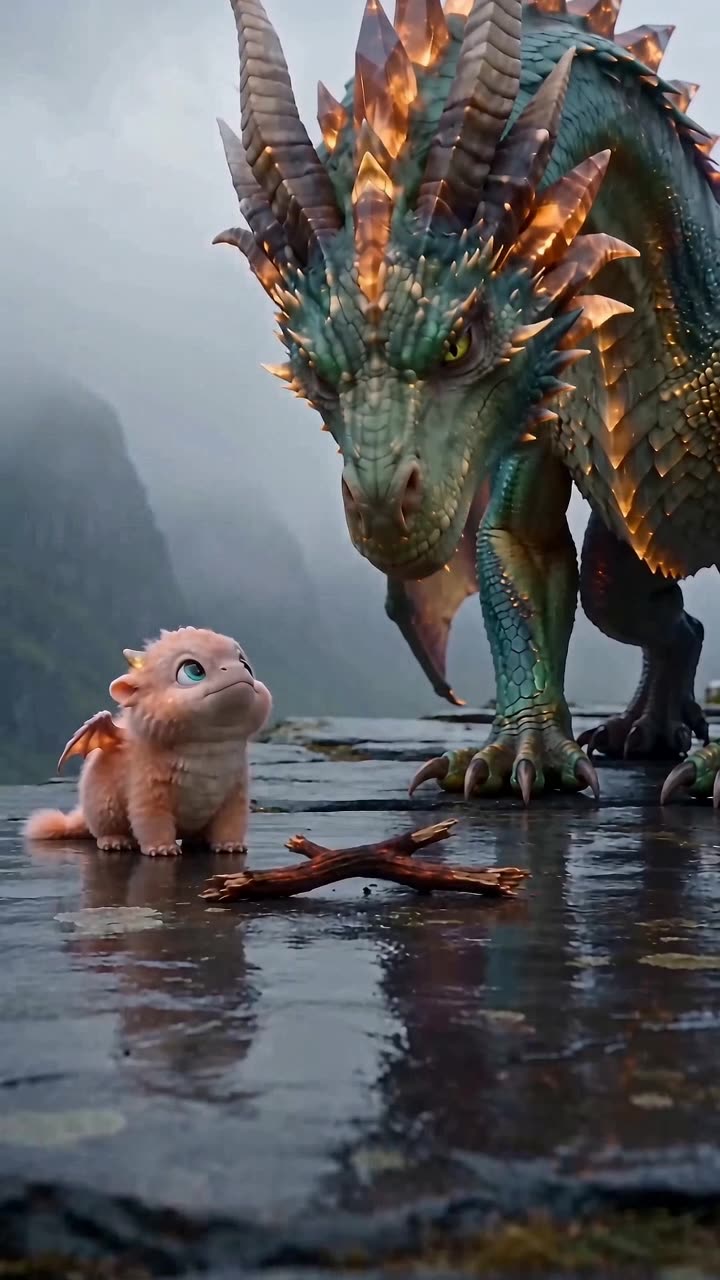 RecreateLearn To Breathe FireAI Characters
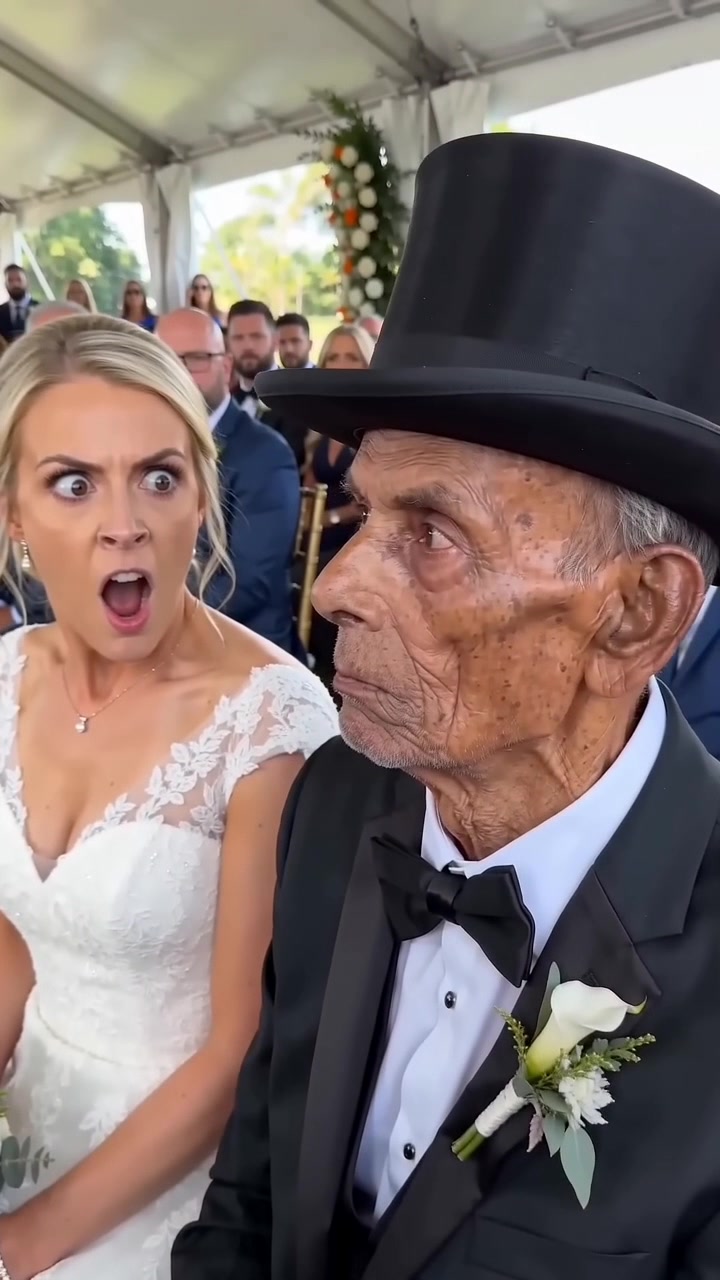 RecreateBride Discovers Her Groom Is ElderlyAI Characters
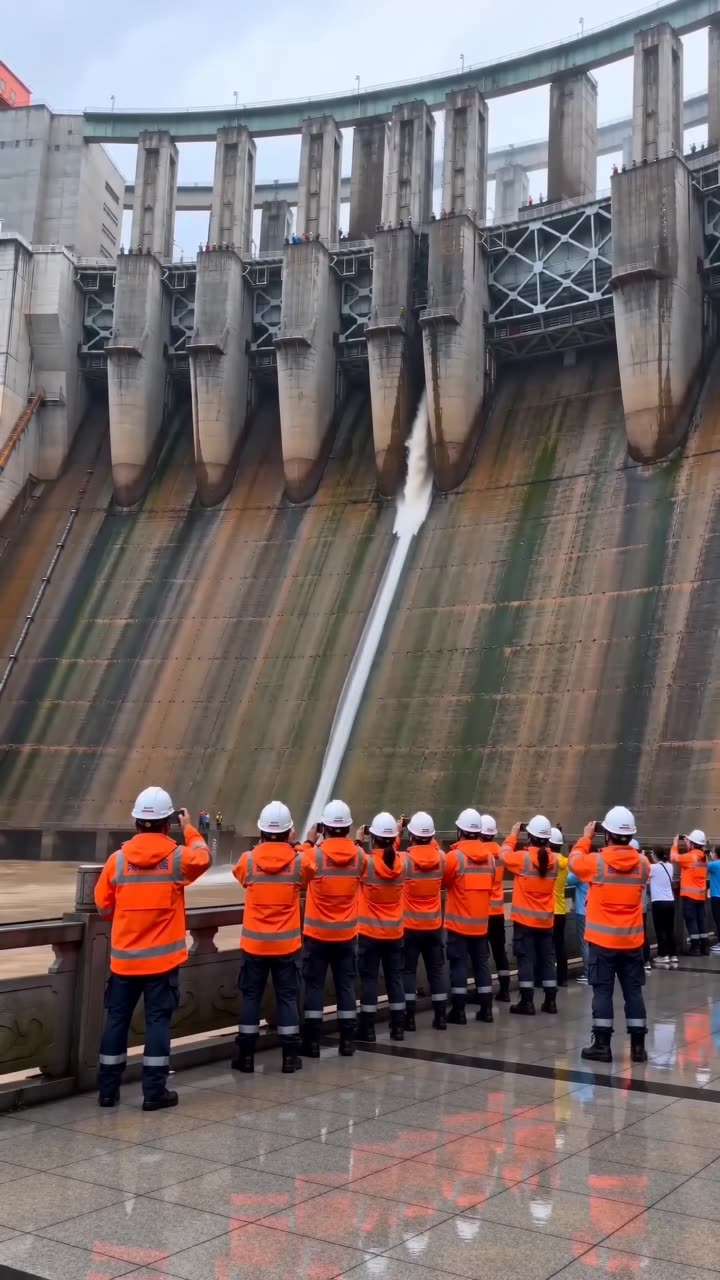 RecreateFortress flood remixAI Characters
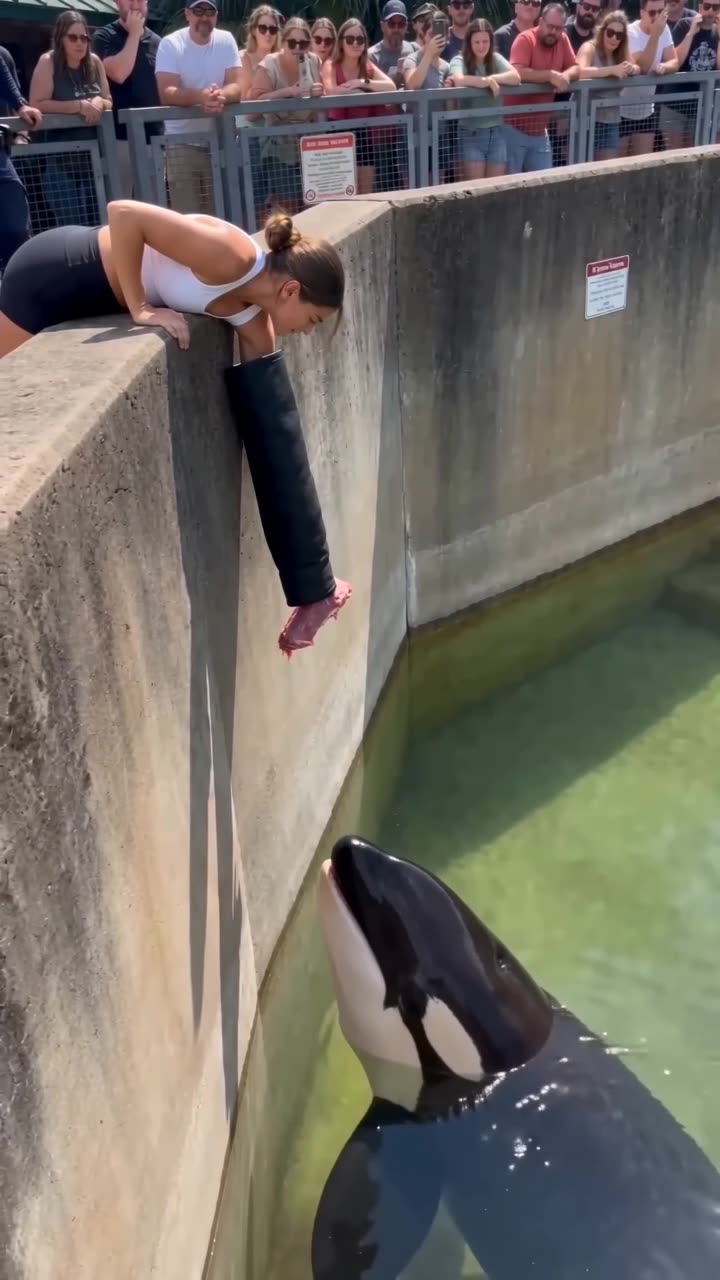 RecreateOrca remixAI Characters
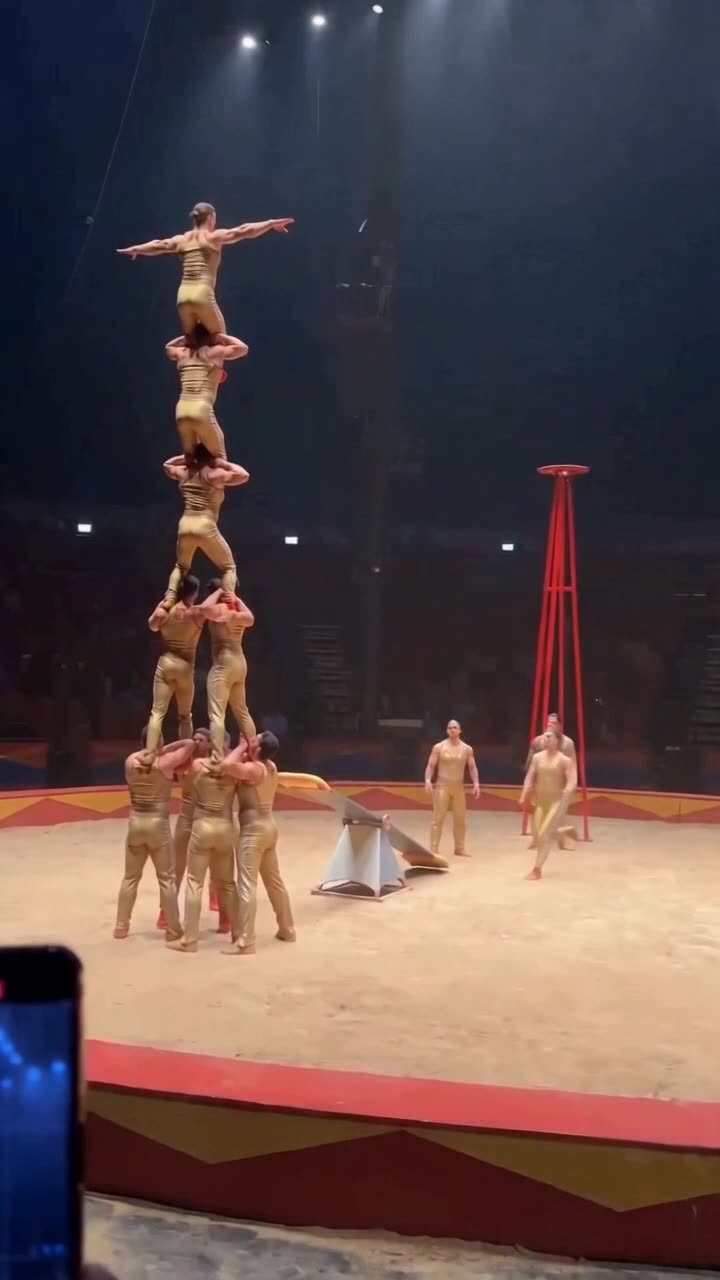 RecreateCircusAI Characters
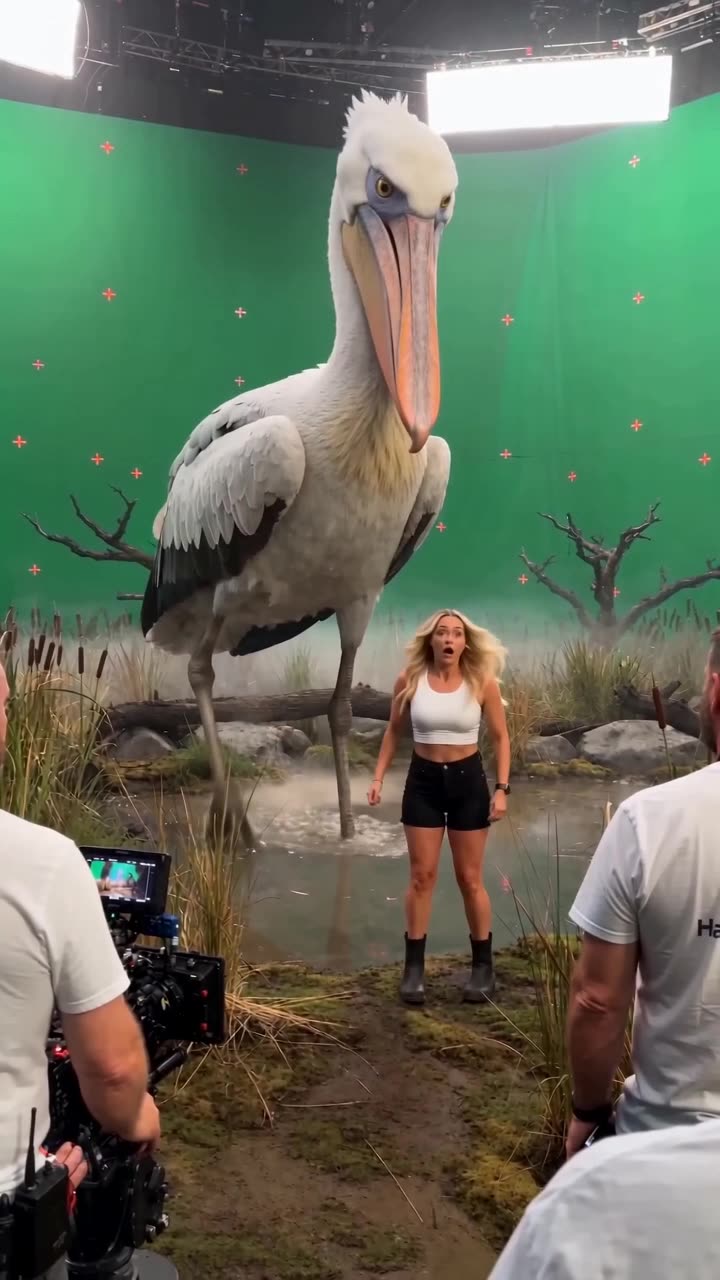 RecreateHalo Pelican Green Screen Studio RemixAI Characters
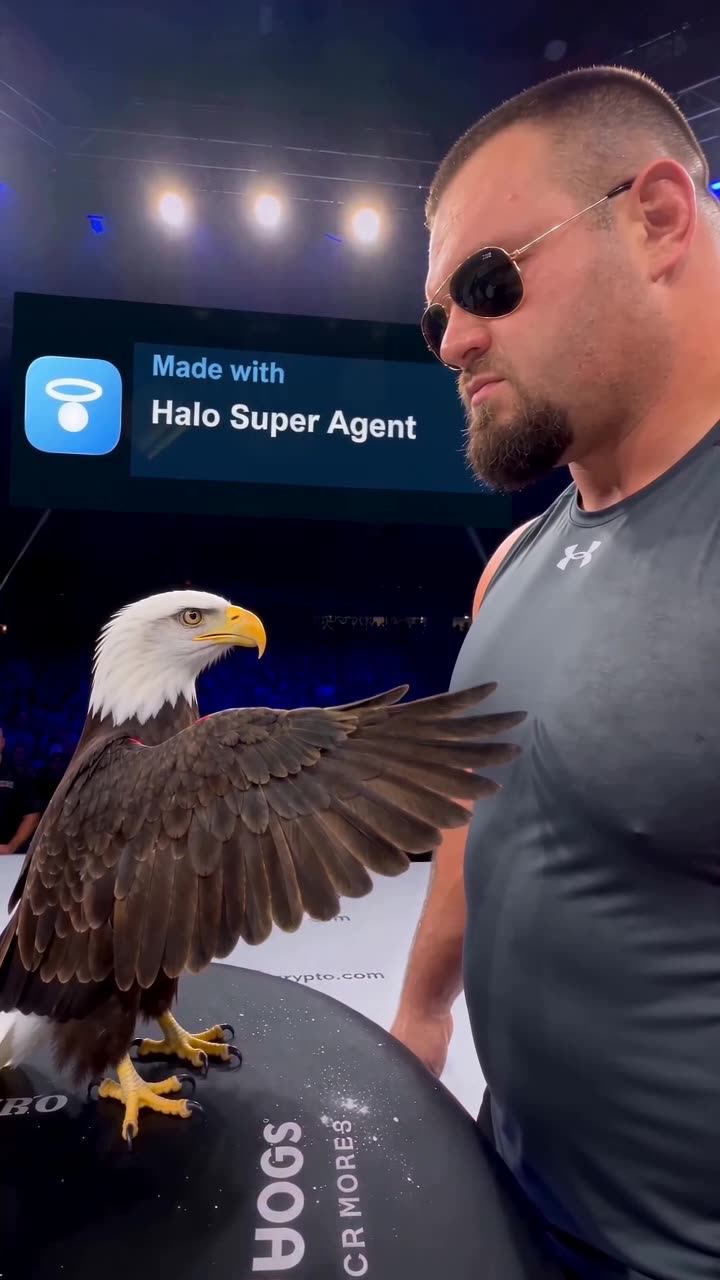 RecreateHalo Eagle Wing Slap Arena RemixAI Characters
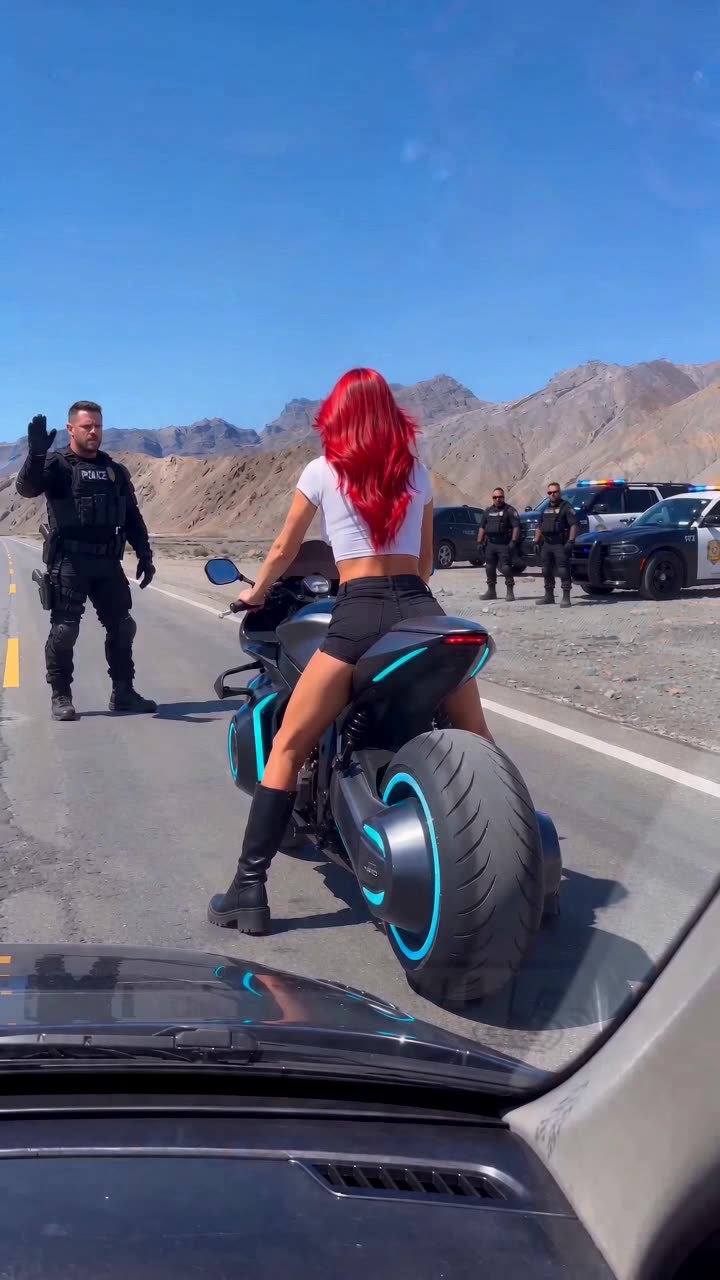 RecreateHelmetless Futuristic Police ChaseAI Characters
What is a viral AI video prompt?
The full text instruction behind an AI-generated video: the scene description, subject, camera movement, lighting and audio direction. Each breakdown here shows the real prompts scene by scene, ready to copy and paste.
Which models do these prompts work with?
Every scene lists its recommended model — Seedance 2.5 for reference-heavy cinematic work, Veo for native audio, Kling for motion — plus compatible alternatives. All of them run inside Halo, so you can test a prompt without juggling accounts.
How do I remix a viral video?
Open any breakdown and hit Remix — Halo pre-fills every prompt and attaches the reference clip, so you change what you want and generate. Paid plans include credits to generate.